Uber Eats and DoorDash menu photos from your phone.
Delivery customers choose with their eyes. Photograph a dish on the pass and Very Yummy Pics turns it into a clean, consistent menu photo, then exports it at the size each platform needs. Built for restaurants, takeaways and dark kitchens.
One free photo without an account. No card needed.
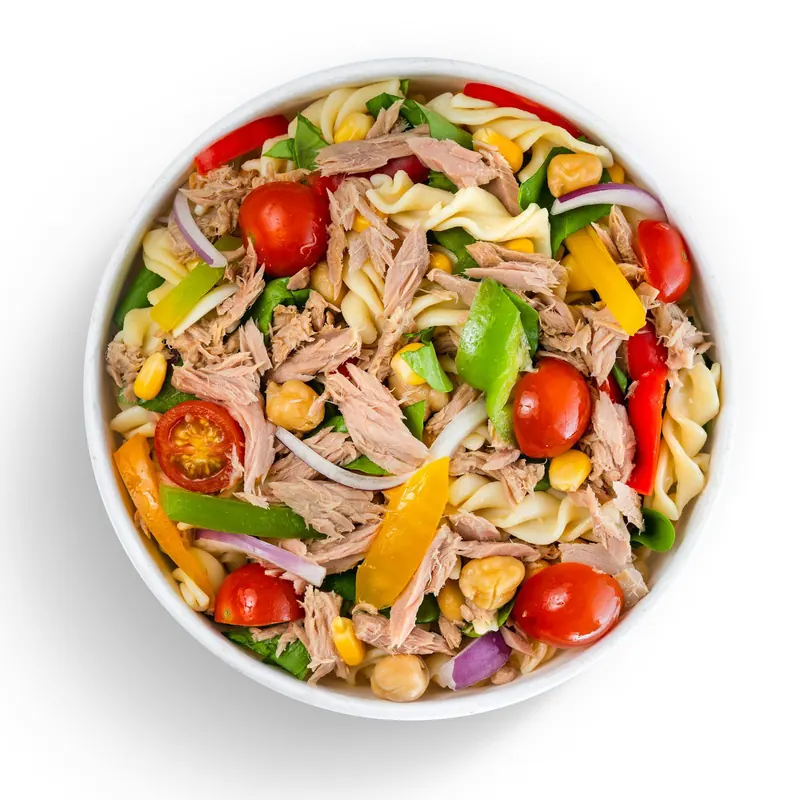
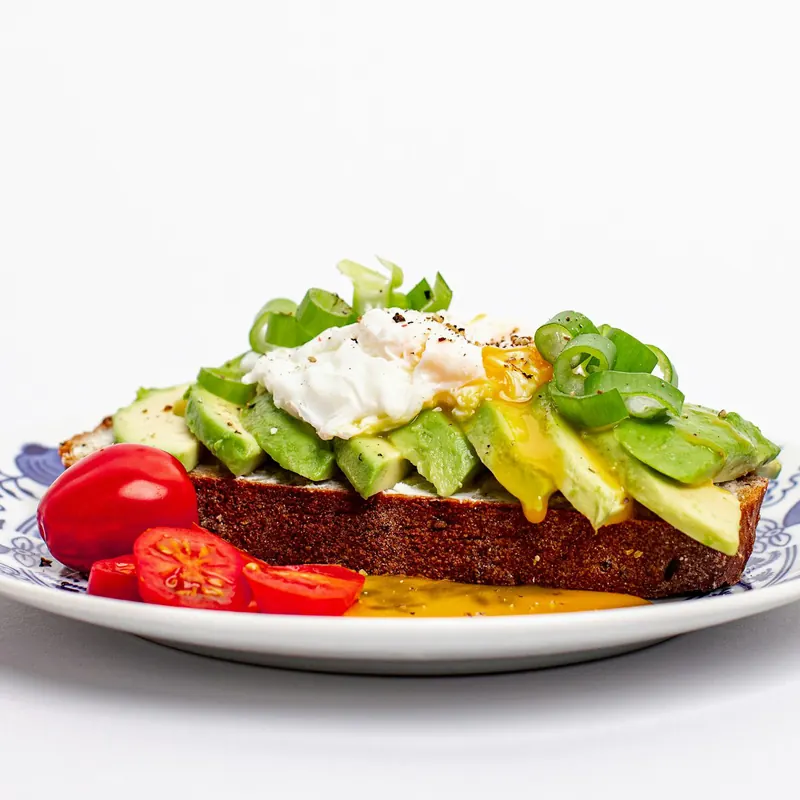
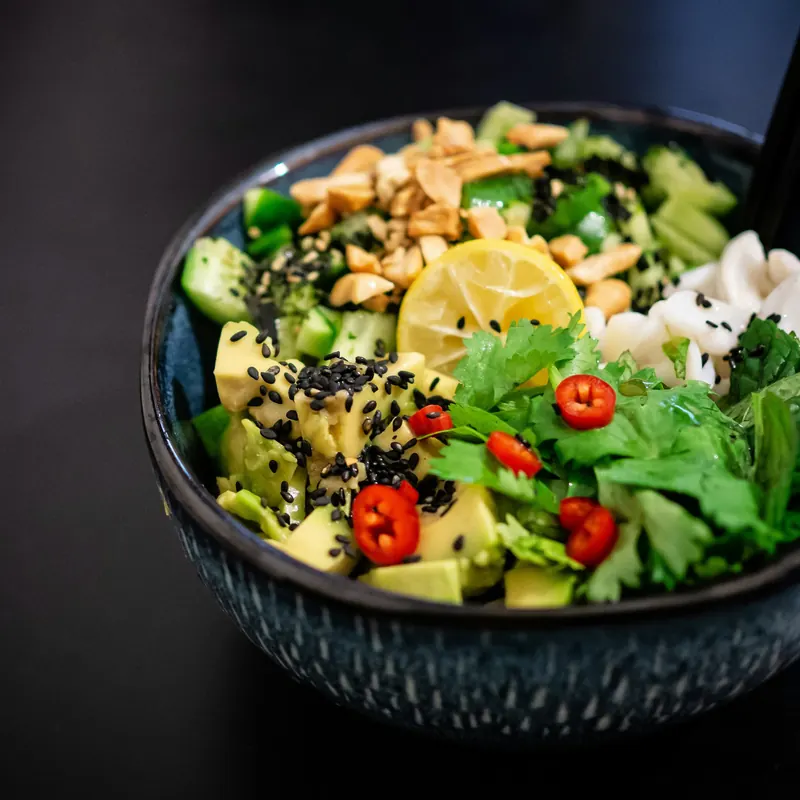
Stock photos showing the kind of setting a dish or drink can be placed in. They are not customer results.
Why item photos matter on delivery apps
Both big platforms tell merchants that photos sell. Uber Eats says customers are more likely to order when at least 70% of a menu's items have photos and descriptions. DoorDash reports that menus with item photos saw up to 44% higher monthly sales. These are the platforms' own figures and results vary.
Since Menulog closed in Australia in November 2025, Uber Eats and DoorDash are the two delivery apps most Australian venues list on. Two listings, plus your website and socials, is a lot of photos to keep consistent.
What makes a good delivery photo
- Show exactly what arrives. Same portion, garnish and sides as the order. Both platforms review photos and expect them to represent the item truthfully.
- One dish, filling the frame. Small thumbnails reward a clear subject on a clean surface, without hands, dockets or text.
- Keep the whole menu consistent. The same light and angle across items makes a listing look looked-after.
- Start with your best sellers. Cover the items people already order, then work through the rest.
- Check every photo. AI can change small details. Compare each image with the real dish before you upload it.
How it works
Snap the dish
Use your phone on the pass, or upload a photo you already have.
Pick the item
Type the dish name; your house style is applied. In a rush? It waits in Unsorted.
Export and upload
Download it sized for Uber Eats or DoorDash, or export a whole menu as a ZIP with a CSV, then upload it in Uber Eats Manager or the DoorDash Merchant Portal.
There is no direct Uber Eats or DoorDash sync. You stay in control of what gets uploaded.
For dark kitchens and multi-brand venues
Make a menu for each virtual brand or platform. The same item can sit on several menus with one cover photo, and every reshoot is kept as a version, so you can update a listing without losing the old photo.
What it costs
Your first photo needs no account. New accounts get 1,000 free credits with no card. Each photo costs 22–64 credits (A$0.22–A$0.64) depending on the image model, roughly 15–45 menu photos from the free credits. After that, 2,000 credits cost A$20, including GST where applicable. Failed photos are refunded.
Try it on your best seller.
Photo credits
Stock photos from Unsplash, cropped and resized: Salad bowl on white by Eiliv Aceron, toast on white by Aneta Voborilova, bowl on black by Yoav Aziz.
Uber Eats and DoorDash are trademarks of their owners. Very Yummy Pics is not affiliated with or endorsed by Uber or DoorDash.